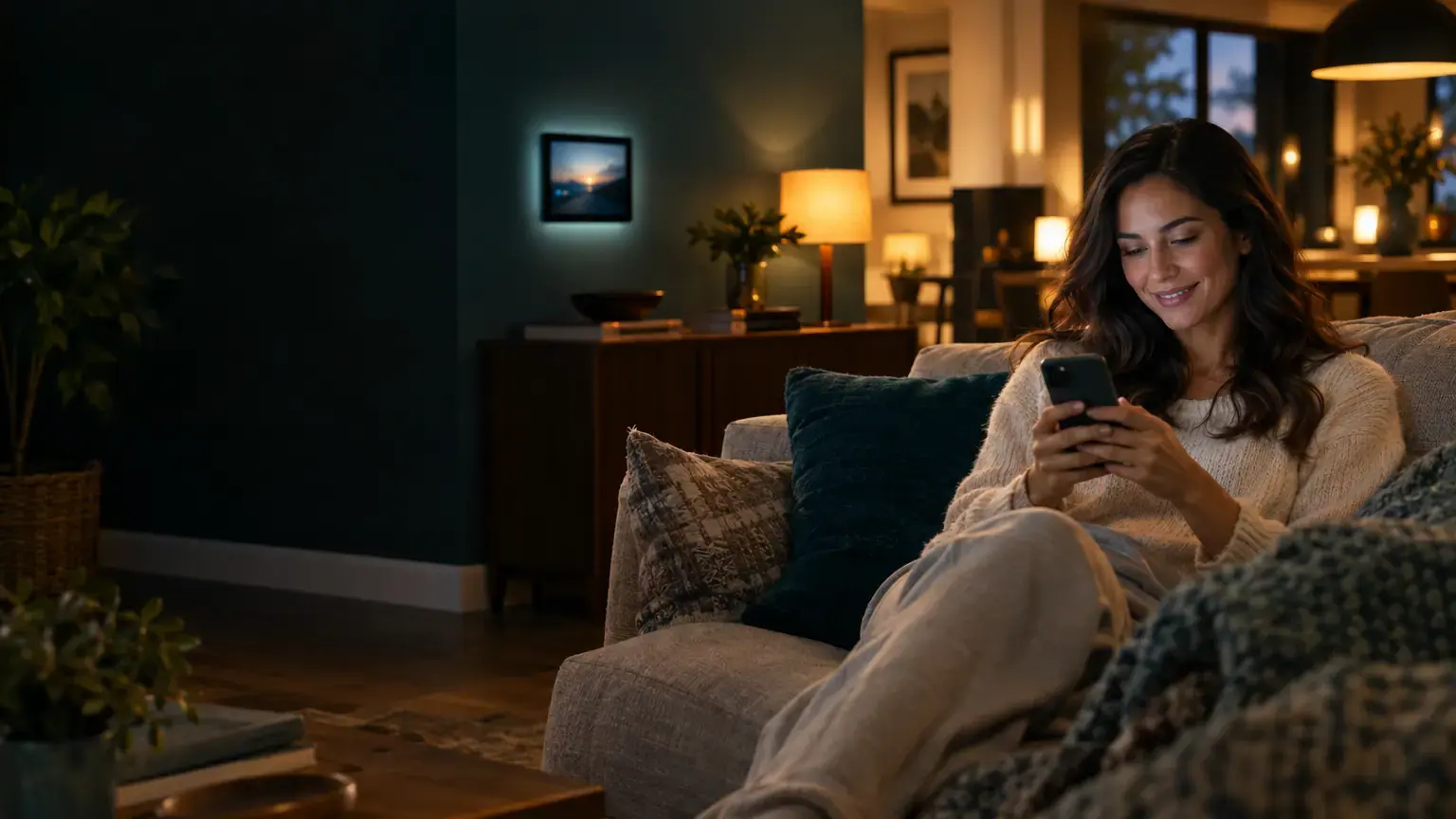
Vivint smart home controls
Vivint smart home controls: one system for security, comfort and convenience
Arm the alarm, answer the door, lock up and set the temperature from the places you already are: the wall panel, your phone, a keypad by the door or the sound of your voice.
Independently owned authorized Vivint dealer, operated by Plondo. Not Vivint Smart Home, Inc.'s corporate site.
Quick answer
What are Vivint smart home controls?
Vivint smart home controls are the ways you run a Vivint system: the Smart Hub touchscreen, the Vivint app, a keypad, a key fob and voice control through compatible Google Nest speakers. They manage security, cameras, smart locks, the thermostat, lights and the garage door from one platform. A Vivint Smart Home Pro installs the system, so every control works together from the start.
Last reviewed by the Vivint Security editorial team.
What Vivint smart home controls give you
One home, one system
Security, cameras, locks, lights, climate and the garage all answer to the same hub and the same app.
Control from anywhere
The Vivint app lets you arm the system, view cameras and lock up when you are across town or across the country.
Control at every door
A keypad and a key fob give the whole family a quick way to arm and disarm without opening an app.
Voice commands
Compatible Google Nest speakers let you control lights, locks and the thermostat by voice.
Custom actions
Set routines, such as locking up at night, so the house takes care of the small jobs on its own.
Installed for you
A trained Vivint Smart Home Pro sets up and tests every device, then shows you how to use it.
Smart home control
One Vivint smart home system you can control many ways
A smart home gets frustrating when every gadget needs its own app. Vivint smart home controls avoid that by building everything around one connected system. The panel on your wall, the app on your phone, a keypad, a key fob and a smart speaker all talk to the same hub, so the status you see is always the same.
That gives you choices. Use the Smart Hub when you are in the kitchen, the Vivint app on the road, the keypad on the way out the door, or a voice command when your hands are full. Each Vivint control page below goes into the details. Pick the mix that suits your household, and change it as your needs grow.
The control center
Vivint Smart Hub: the touchscreen at the center of your system
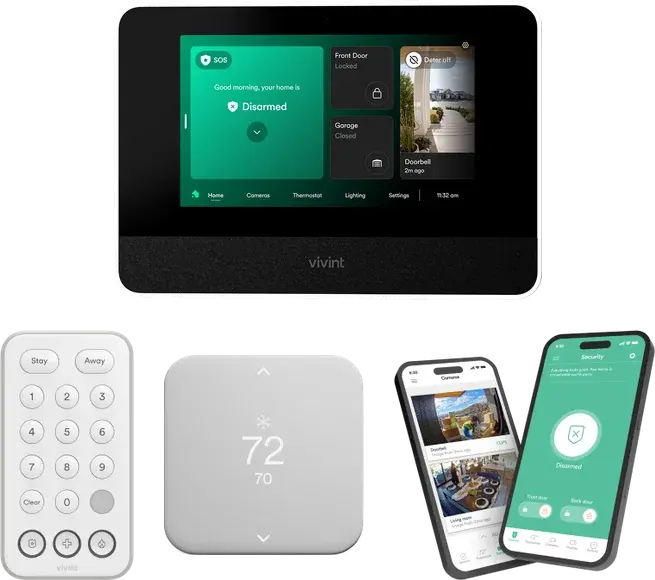
The Vivint Smart Hub is the control panel for your smart home. From its screen you can arm your system, answer the door, watch camera footage and speak with Vivint monitoring or customer support. It is also the device that every sensor, camera and lock reports to. Because it sits in the middle of the home, it is easy for the whole family to reach.
You can read how the current Smart Hub Pro 2 works, including its cellular and battery backup, on the Vivint Smart Hub page. If you want a second way to arm and disarm near another door, a Vivint keypad extends the hub’s reach. Your installer can recommend how many you need based on your doors.
Questions about Vivint Smart Home Controls? A Vivint expert can help.
Call 866.417.1540At home and on the go
Vivint app, keypad and key fob: controls for every moment
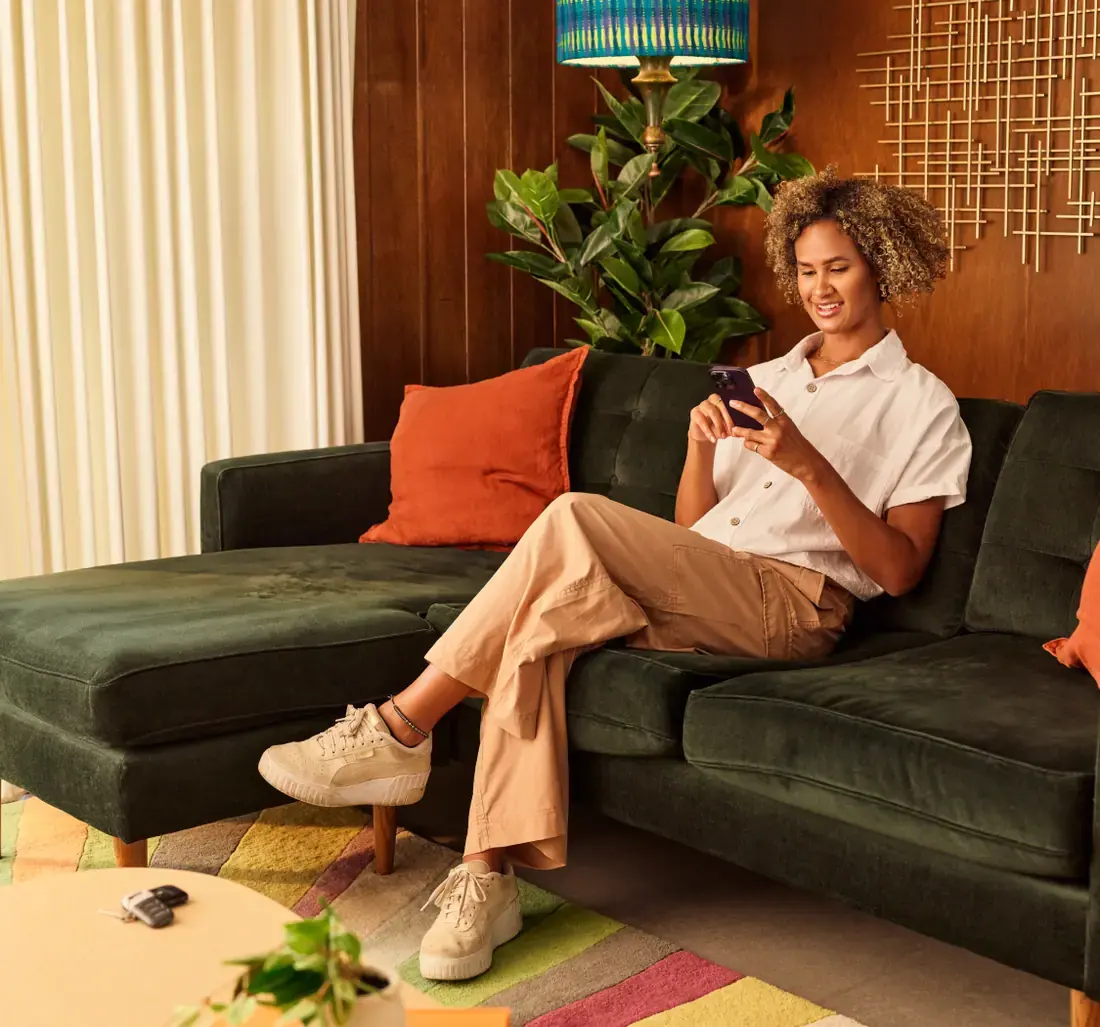
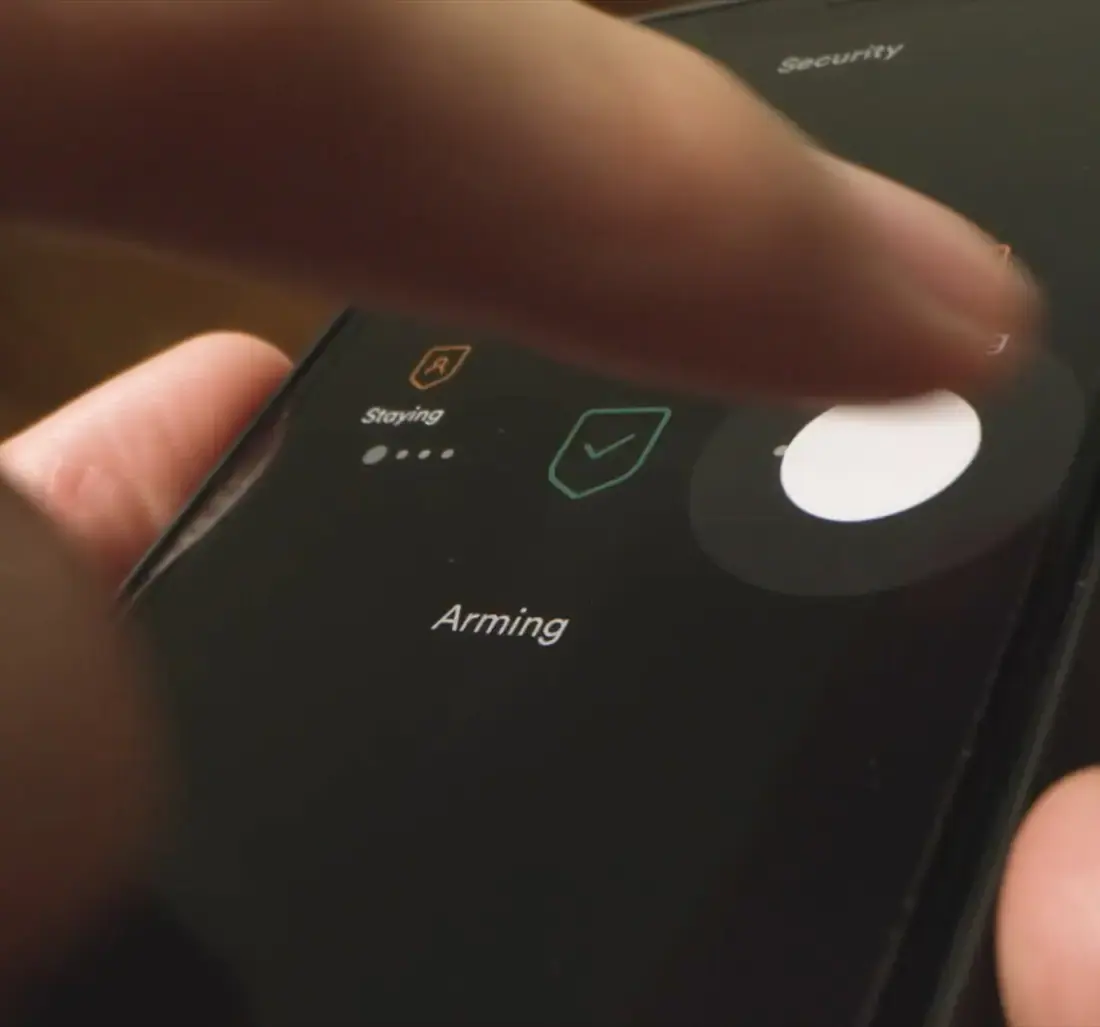
The Vivint app brings security, lights, temperature and camera video into one place, so you can check on the house, talk to a visitor, lock up or arm the system from anywhere with a connection. Vivint says its notifications are designed to tell you about the things that matter. You can also share access with other members of your household.
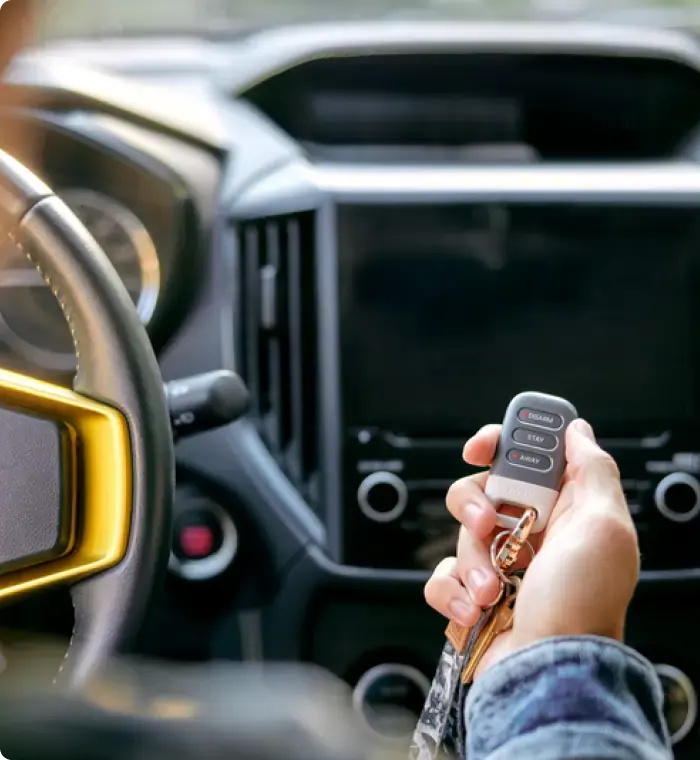
The Vivint keypad mounts beside a door and lets you arm and disarm without a phone, with police, fire and emergency buttons for fast help. The Vivint key fob is a small remote: press a button to arm, disarm or send a panic signal to the control panel. Both are handy for quick trips when you do not want to pull out a phone.
What you can control
Vivint smart home controls for locks, thermostat and garage
Vivint smart locks give you keyless entry and codes you can assign to family and friends, and locking the door can arm your system. The Vivint smart thermostat and Vivint Comfort IQ manage heating and cooling, adjusting to whether anyone is home. Vivint garage door control lets you open, close and check the garage from the app.
Many other devices connect too. The Works with Vivint program covers products such as Google Nest speakers and the Nest thermostat. You can link them to your system and use voice commands to arm the security system, adjust lights, lock doors and open the garage. Every device you add shows up in the same Vivint app, so there is no extra app to learn.
- Smart locks for keyless entry and user codes
- Smart thermostat and Comfort IQ for heating and cooling
- Garage door control with open-door alerts
- Works with Vivint devices, including Google Nest speakers
- Lights and cameras in the same app
Questions about Vivint Smart Home Controls? A Vivint expert can help.
Call 866.417.1540Automation
Set it and forget it with Vivint custom actions
Custom actions let your home act without being asked. Lock the doors at the same time every night, or unlock them automatically when a fire alarm sounds so your family can get out and responders can get in. You build them inside the Vivint app. Once an action is set, it runs on its own.
Because the controls share a system, one action can span several devices. A goodnight routine might lock the doors, arm the alarm, turn off the lights and lower the heat. Your Smart Home Pro can help you set up the first few during installation. You can change or add actions later as your routine changes.
Getting started
How to choose your Vivint smart home controls
Every Vivint system starts with the Smart Hub and the Vivint app, so most homes begin there. From that base, add the controls that match how you live: a keypad if you use a side door a lot, locks if you hate keys, a thermostat if you want lower energy use.
Pricing depends on the equipment and the monitoring plan you choose, so call an authorized Vivint dealer for a personalized quote. You can also read about Vivint home security systems and Vivint smart home automation to see how the pieces fit together. A quick call is the fastest way to find a plan that matches your home and budget.
How to get Vivint smart home controls
- 01
Call for a free quote
Tell a Vivint expert how you want to control your home and which devices matter most.
- 02
Design your system
Choose the Smart Hub, keypad, locks, thermostat and other controls that fit your routine.
- 03
Professional installation
A Vivint Smart Home Pro installs and connects everything, then teaches you the hub and the app.
Build your Vivint smart home controls.

Vivint Smart Home Controls FAQ
What are Vivint smart home controls?
They are the tools used to run your Vivint system: the Smart Hub touchscreen, the Vivint app, a keypad, a key fob and voice control through compatible smart speakers. Together they manage security, cameras, locks, the thermostat, lights and the garage door.
How do I control my Vivint smart home system?
Use the Smart Hub at home, the Vivint app on your phone, a keypad by the door, a key fob for quick arming, or voice commands through a Google Nest speaker. All of them control the same Vivint system, so you can mix and match.
Is there a Vivint smart home app?
Yes. The Vivint app handles security, camera video, locks, lights and the thermostat in one place. Existing customers sign in with their Vivint account, and anyone locked out can get help from Vivint support at vivint.com.
Does Vivint work with Google Home and Nest?
Vivint lists Google Nest smart speakers and the Nest thermostat as devices that work with its system. With a smart speaker, you can use voice commands to arm the system, lock doors, adjust lights, change the temperature and open the garage.
What is the difference between the Vivint keypad and the key fob?
The keypad mounts by a door and lets you arm and disarm with buttons, plus send police, fire or emergency alerts. The key fob is a small remote that arms and disarms the system or sends a panic signal to the control panel.
Can I control Vivint smart locks and the garage door from my phone?
Yes. With the Vivint app you can lock and unlock compatible Vivint smart locks and open or close the garage with Vivint garage door control. The app can also tell you if the garage door was left open.
What are Vivint custom actions?
Custom actions are automations you set in the Vivint app. For example, you can lock the doors at a set time every night or unlock them if a fire alarm is triggered. They help the house handle routine tasks and respond to events by itself.
Do I need the Smart Hub to use Vivint smart home controls?
The Smart Hub is the center of a Vivint system, and the app, keypad, key fob and other devices connect through it. A Vivint pro installs it and links everything. Ask your dealer which hub model comes with your equipment package.
How much do Vivint smart home controls cost?
The price depends on the equipment you choose and your monitoring plan. Call an authorized Vivint dealer for a personalized quote, or see our Vivint cost and pricing guide for how equipment and service plans work together.
Related Vivint products and services
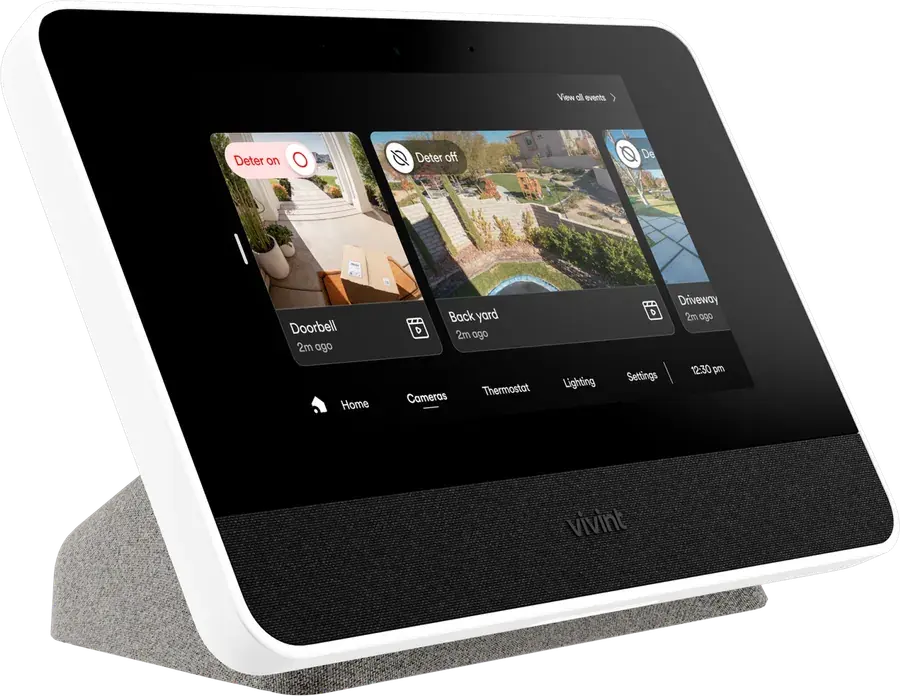 Smart HubVivint Smart Hub, the touchscreen control panel for your security system.
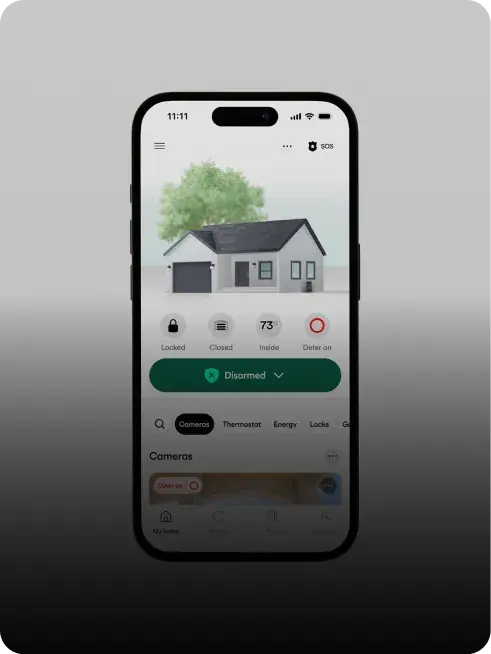 Vivint AppThe Vivint app: control your security system and smart home from anywhere.
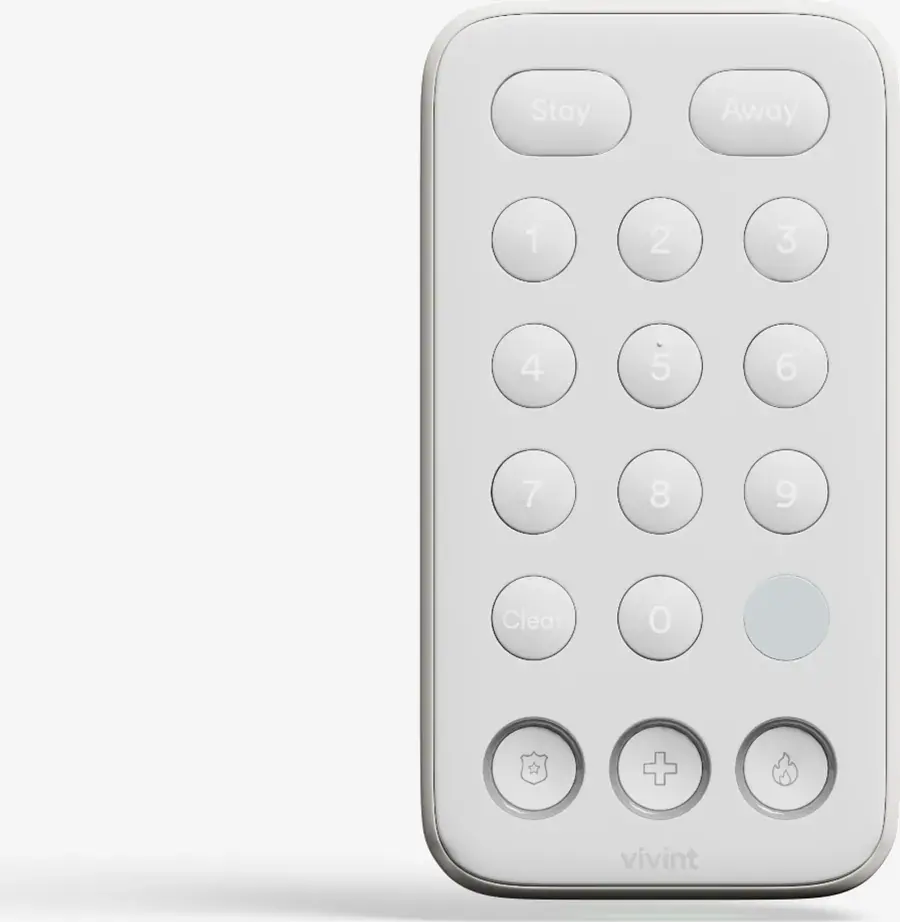 KeypadVivint keypad to arm and disarm your system at any door.
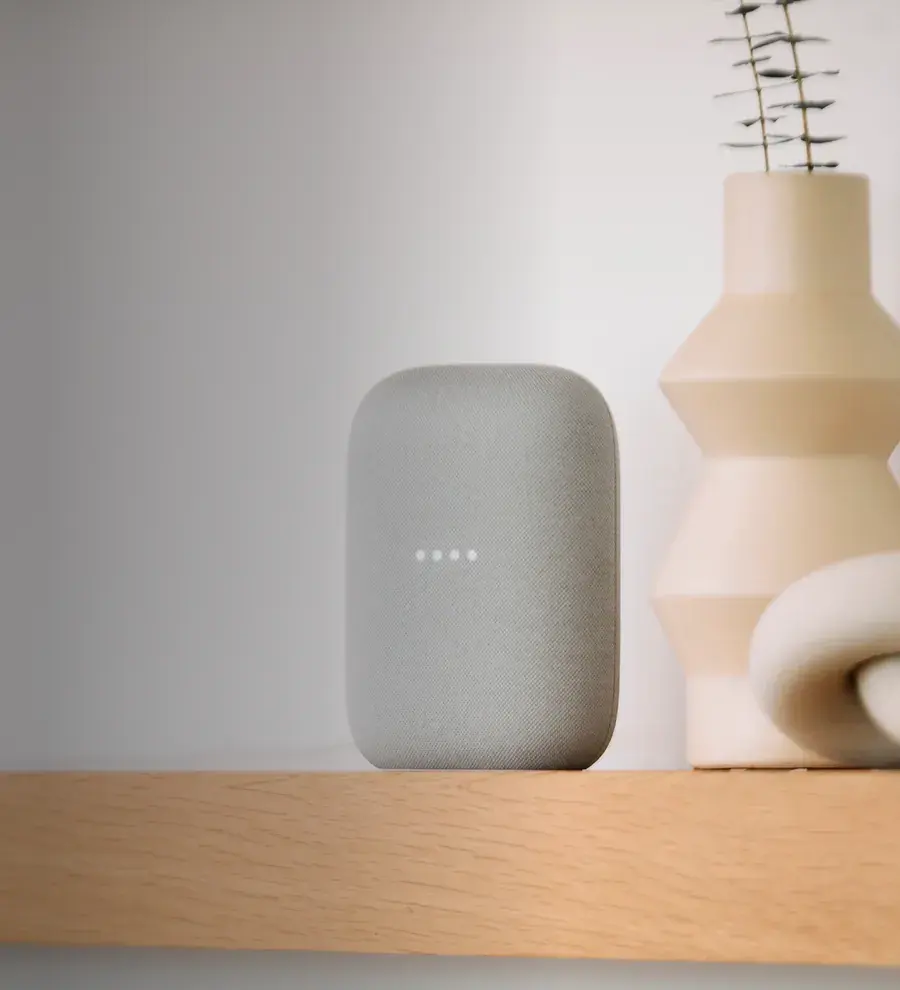 Works With VivintSmart devices that work with Vivint, including Google Home and Nest.
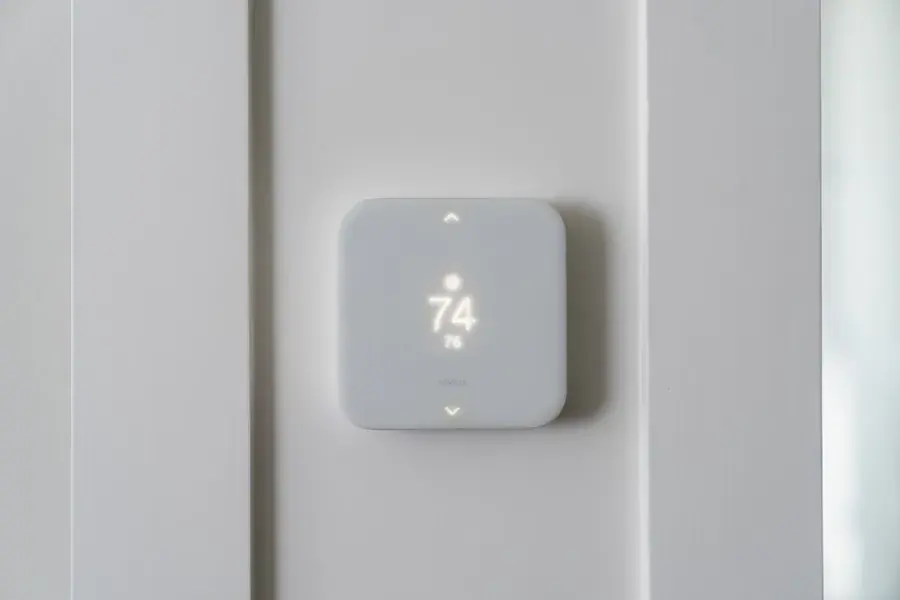 Smart ThermostatVivint smart thermostat that saves energy automatically.
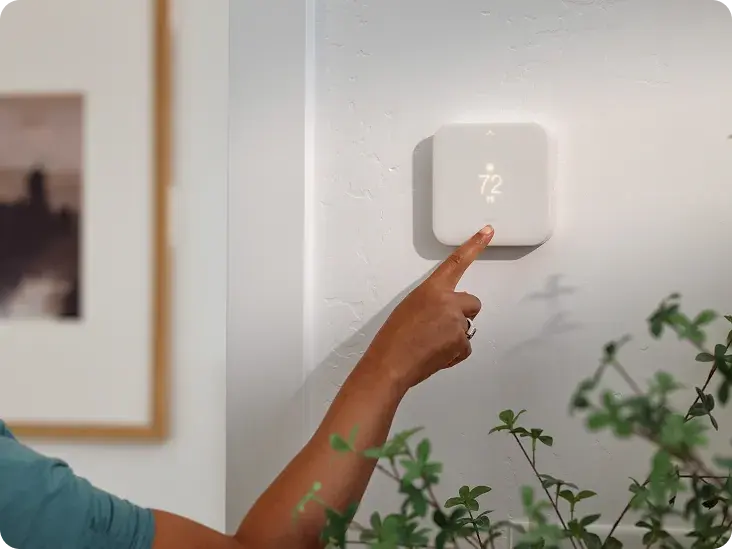 Comfort IQVivint Comfort IQ for smarter home heating and cooling.
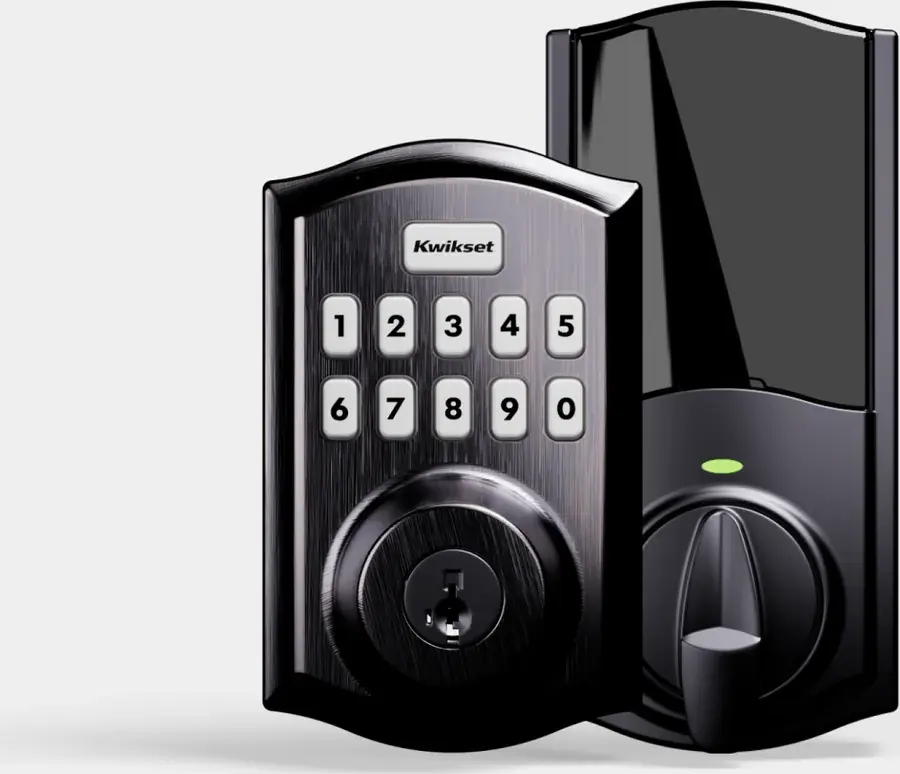 Smart LocksVivint smart locks for keyless entry you control from your phone.
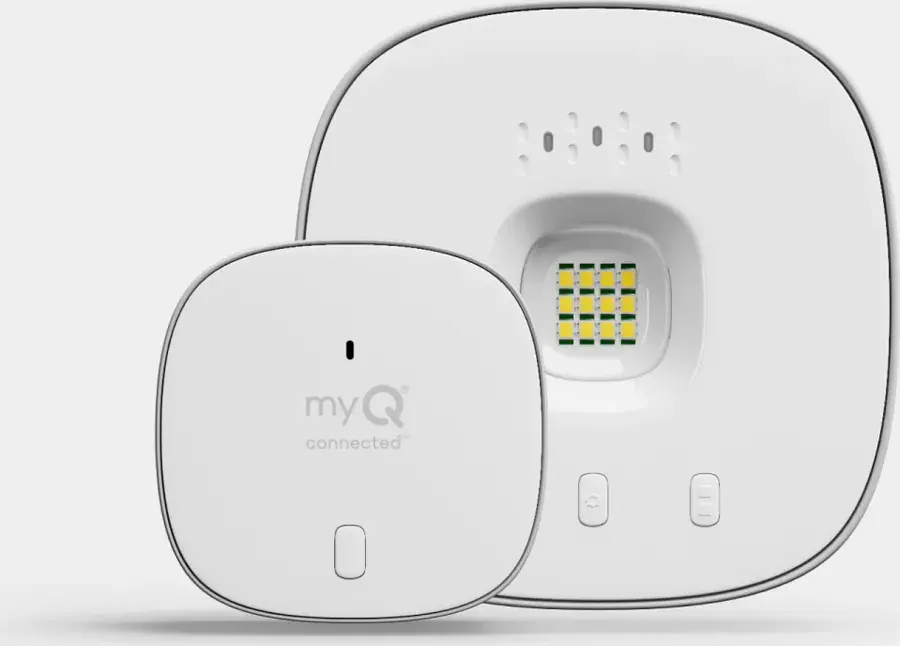 Garage Door ControlVivint garage door control: open, close and check your garage anywhere.