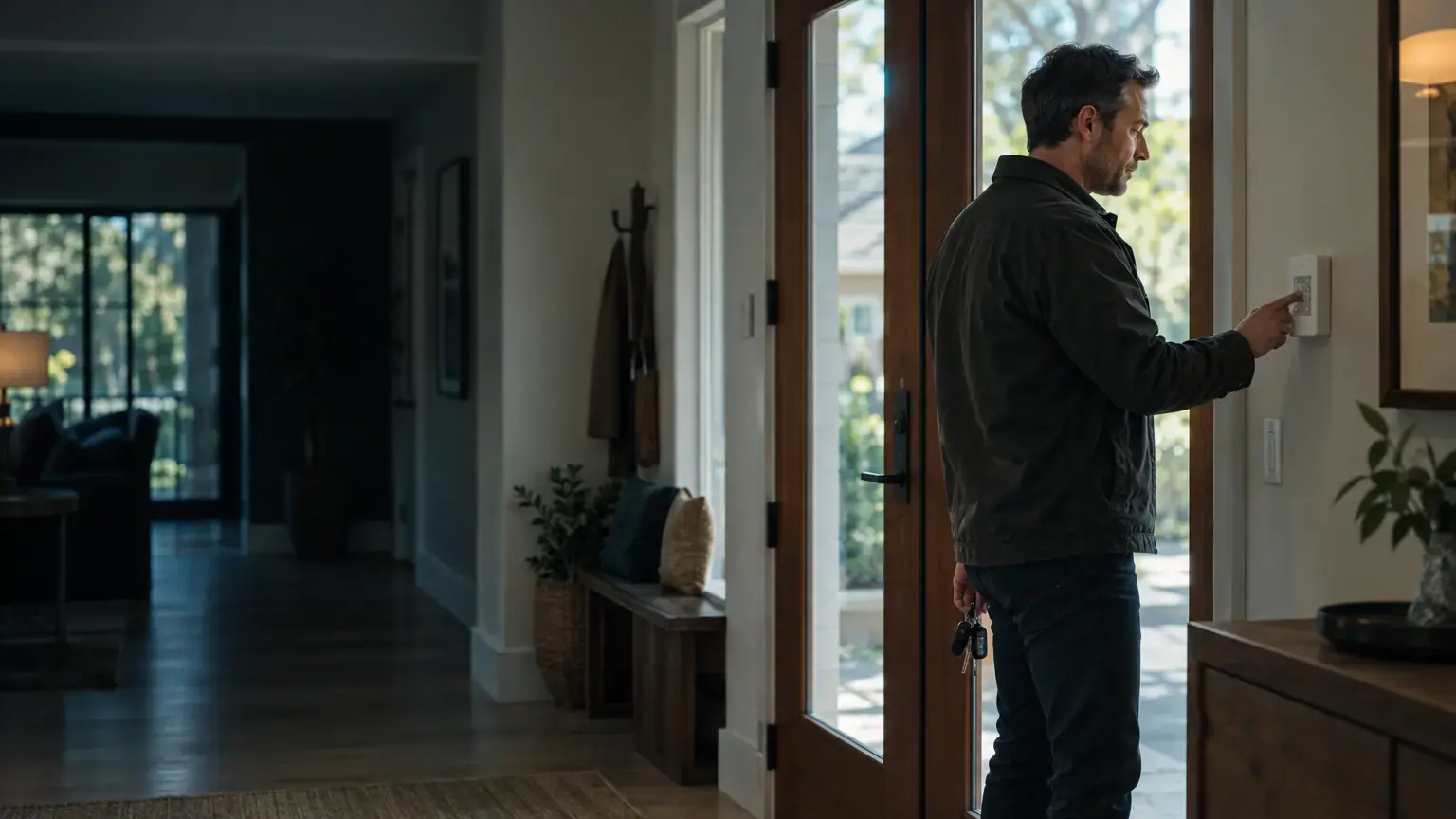
Vivint alarm keypad
Vivint keypad: arm and disarm your security system at the door
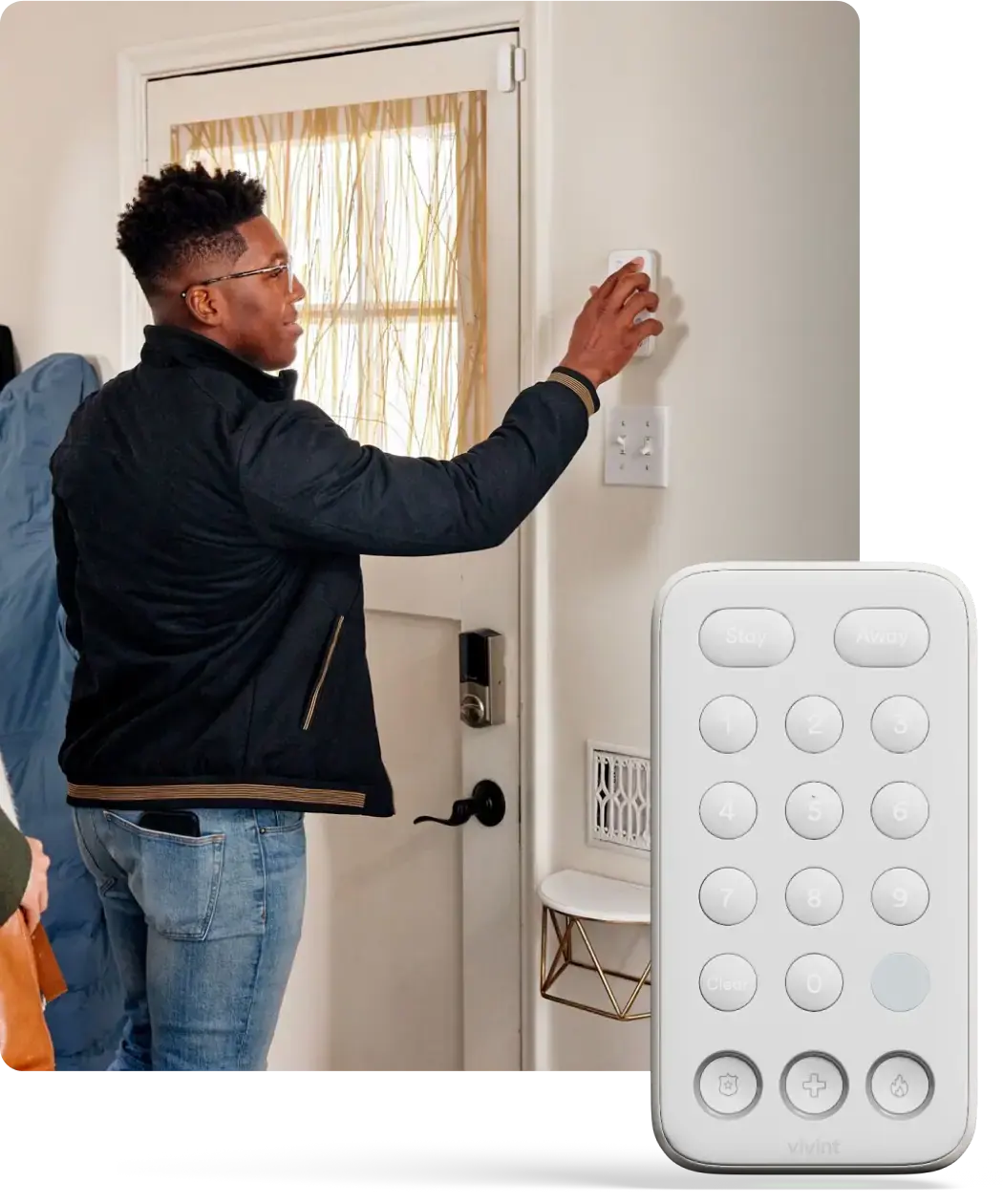
Press a few buttons on your way out and your Vivint security system is armed. Press them on your way in and it is disarmed. No phone and no trip to the Smart Hub required.
- 24x7 Monitoring
- Home Automation
- One App mobile control
- Live Video
- FREE*Installation & One Month of Monitoring ServicePromo code: INSTALLOFFER
- $50FREE* Visa Gift CardPromo code: VISA50
- $100OFF* a Vivint Doorbell Camera ProPromo code: DOORBELL100
* With qualifying system purchase. Offer details
Independently owned authorized Vivint dealer, operated by Plondo. Not Vivint Smart Home, Inc.'s corporate site.
Quick answer
What is the Vivint keypad?
The Vivint keypad is a wireless alarm keypad that works as a second control point for your Vivint security system. Mount it beside a door to arm the system to Away as you leave, with a three-second countdown, and disarm it as you walk in. It also has Police, Fire and Emergency buttons that alert Vivint’s 24/7 monitoring team. It extends your Vivint Smart Hub, so you do not need your phone or the hub in hand.
Last reviewed by the Vivint Security editorial team.
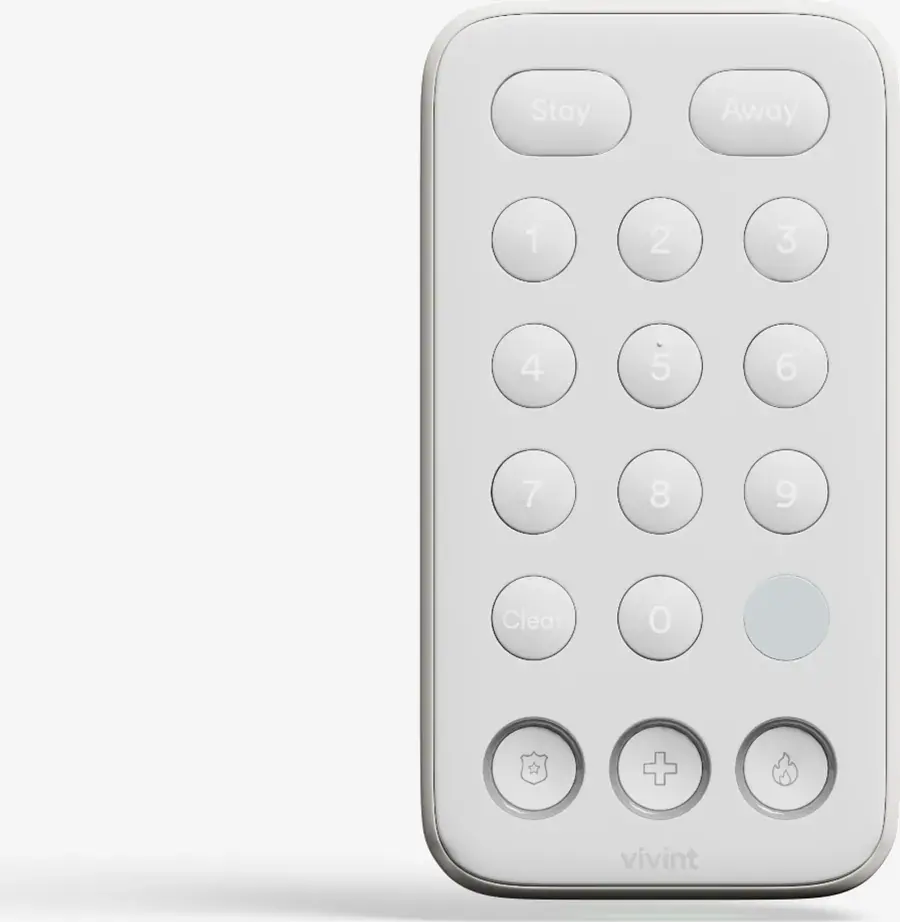
Why add a Vivint keypad to your home security system
Arm and disarm by code
Use your code at the door instead of opening an app or walking to the Smart Hub.
Police, Fire and Emergency
Dedicated buttons let you call for help from the keypad when you need it fast.
Status light on approach
A motion-activated light shows whether the system is armed or disarmed as you walk up.
Backlit for low light
Lit buttons and icons make it easy to use in a dark entryway or garage.
Simple for the family
Older kids can use it without the Vivint app, and button shapes help you tell keys apart.
Wireless install
A wireless Z-Wave device that mounts on the wall in any part of the home.
Everyday arming
How the Vivint keypad arms and disarms your system
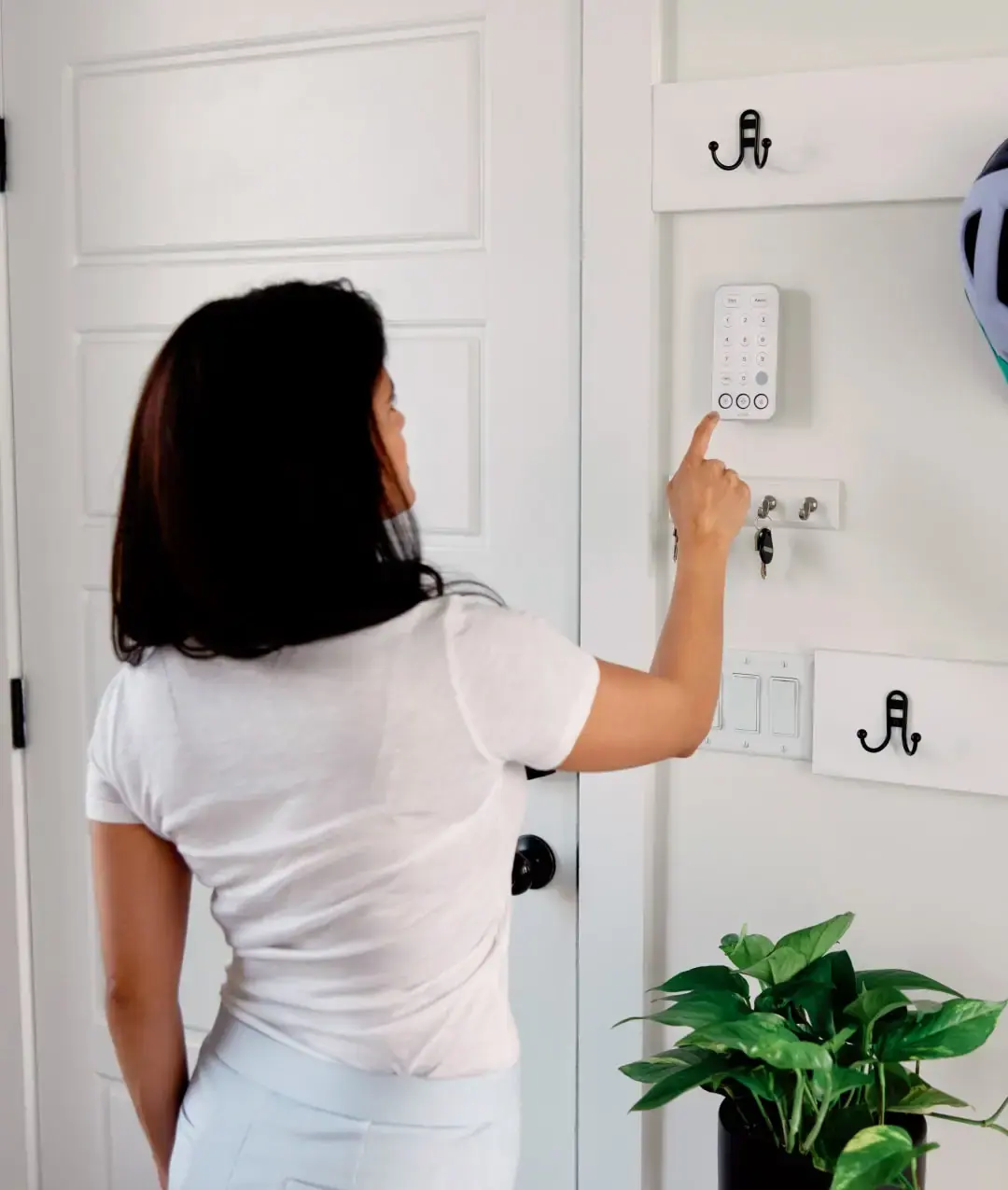
Mount the Vivint keypad beside your door and set the system to Away as you leave. A three-second countdown tells you when the system arms. When you come back, disarm it with your code as you step inside.
It saves the small hassles of daily life. You do not need to pull out your phone, open the Vivint app or find the Smart Hub. For families with kids, sitters or guests, a code at the door is often the easiest option.
Questions about Vivint Keypad? A Vivint expert can help.
Call 866.417.1540Avoid accidental alarms
Check your Vivint security keypad status at a glance
Ever step out and wonder whether the alarm is on? The Vivint keypad has a motion-activated status light. As you walk up, it shows right away whether the system is armed or disarmed, which helps you avoid setting off an alarm by mistake.
The keypad also uses audible beeps to signal changes in system status. Because it wakes only when it senses movement, it saves battery power while still being ready when you reach it.
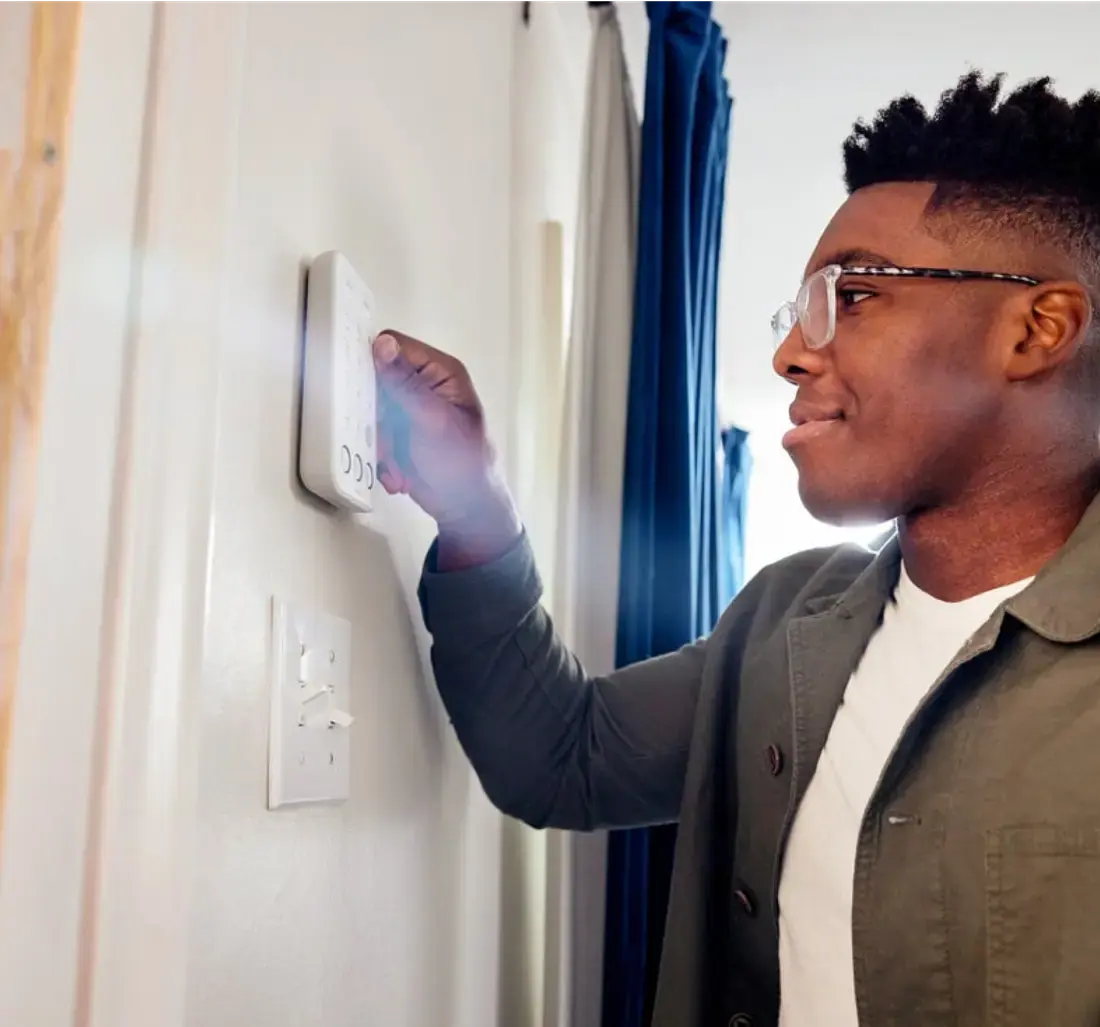
Where to put it
Where to place a Vivint keypad and how many you need
Vivint suggests putting a keypad where you can reach it easily but where someone outside cannot see it. Most people choose the wall beside the main entry. You can add another by the garage door or the back door.
Because the keypad is wireless, a Vivint Smart Home Pro can mount it where it works best. It extends the Smart Hub rather than replacing it. The keypad is not a smart door lock, so if you want keyless entry, see Vivint smart locks.
- Main entry door
- Door from the garage
- Back or side door
- A bedroom or hallway
Questions about Vivint Keypad? A Vivint expert can help.
Call 866.417.1540Keypad and Smart Hub
Vivint keypad with the Smart Hub, app and sensors
The keypad is one piece of a larger Vivint system. It works with the Vivint Smart Hub, door and window sensors, motion sensors and the Vivint app. Some Vivint packages, such as HomeProtect, use a hub without a screen and include a keypad for arming and disarming.
Your system also includes 24/7 monitoring and professional installation. Together they cover everyday control, alerts and emergency response, with the keypad handling the quick tasks by the door.
Vivint keypad tech specs
| Color | White |
|---|---|
| Size | 5.91 × 3.15 × 1.05 in (15.0 × 8.0 × 2.6 cm) |
| Battery | Four AAA 1.5V alkaline batteries or equivalent lithium batteries |
| Wireless range | Up to 100 m |
| Connectivity | Z-Wave |
| Operating temperature | 0°C to 49°C (32°F to 120°F) |
| Code combinations | More than 1 million |
| Buttons | Keys 0-9, Stay, Away, Clear, Fire, Panic and Emergency |
| Required panel firmware | Version 3.2 or greater |
| In the box | Two screws, two wall anchors and double-sided tape |
How to get a Vivint keypad
- 01
Call for a free quote
Tell a Vivint expert which doors you use most and who needs to arm the system.
- 02
Design your system
Add a keypad to your Smart Hub, sensors and cameras, in as many spots as makes sense.
- 03
Professional installation
A Vivint Smart Home Pro mounts the keypad, pairs it with your system and shows you how to use it.
Add a Vivint keypad to your system.

Vivint Keypad FAQ
What is a Vivint keypad?
It is a wireless alarm keypad that works as a secondary control for your Vivint security system. You can arm and disarm the system with a code and press Police, Fire or Emergency buttons, all without using the Vivint app or the Smart Hub.
What is the difference between an alarm keypad and a Vivint smart lock keypad?
The Vivint keypad controls your alarm system. It does not lock or unlock a door. A Vivint smart lock has its own keypad for entering a code to open the door. Many homes use both, and you can set the system to arm when the door locks.
Where should I put my Vivint keypad?
Place it where you can reach it easily but where people outside cannot see it. Most homeowners mount one beside the main entry. Your Vivint installer will help you choose the right spots, since placement affects how well the system works day to day.
Does the Vivint keypad need batteries?
Yes. The keypad runs on four AAA batteries, either alkaline or equivalent lithium. Its motion-activated design helps conserve battery life. For help with low batteries or replacement, existing customers should contact Vivint support at vivint.com.
What should I do if my Vivint keypad is not working?
Start by checking the keypad’s batteries and make sure your system is online. If it still will not respond or shows an error, existing customers should contact Vivint support at vivint.com so a technician can check the keypad and your panel.
Can I have more than one Vivint keypad?
Yes. You can add keypads near different doors or in other parts of the home so the system is quick to reach anywhere. Ask your Vivint expert how many make sense for your layout when you design your system.
Does the Vivint keypad work without the Smart Hub?
No. The keypad extends the system rather than running it alone. It connects wirelessly to your Vivint panel, which needs a compatible firmware version. Vivint’s screenless hubs, such as the one in HomeProtect, also pair with a keypad.
How much does a Vivint keypad cost?
The price depends on the equipment and plan in your system. Some Vivint packages include a keypad. Call an authorized Vivint dealer for a personalized quote, or see Vivint cost and pricing for how pricing works.
Related Vivint products and services
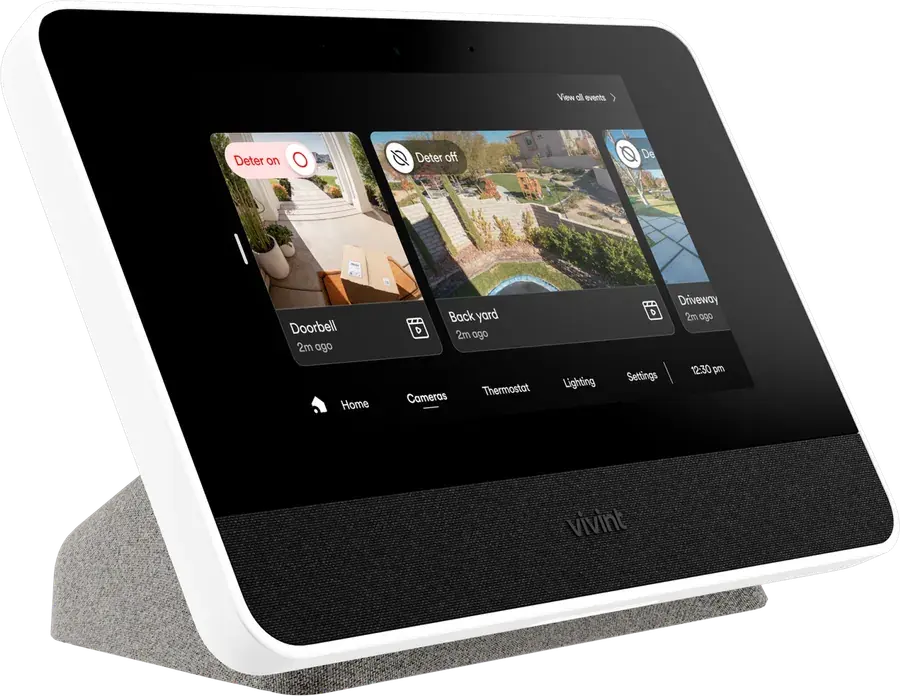 Smart HubVivint Smart Hub, the touchscreen control panel for your security system.
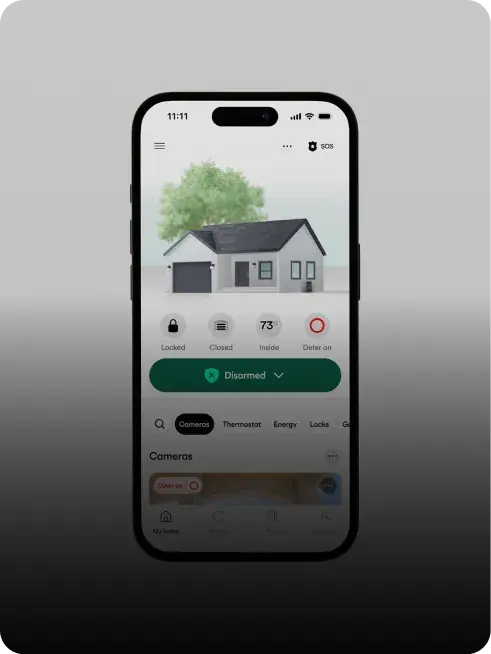 Vivint AppThe Vivint app: control your security system and smart home from anywhere.
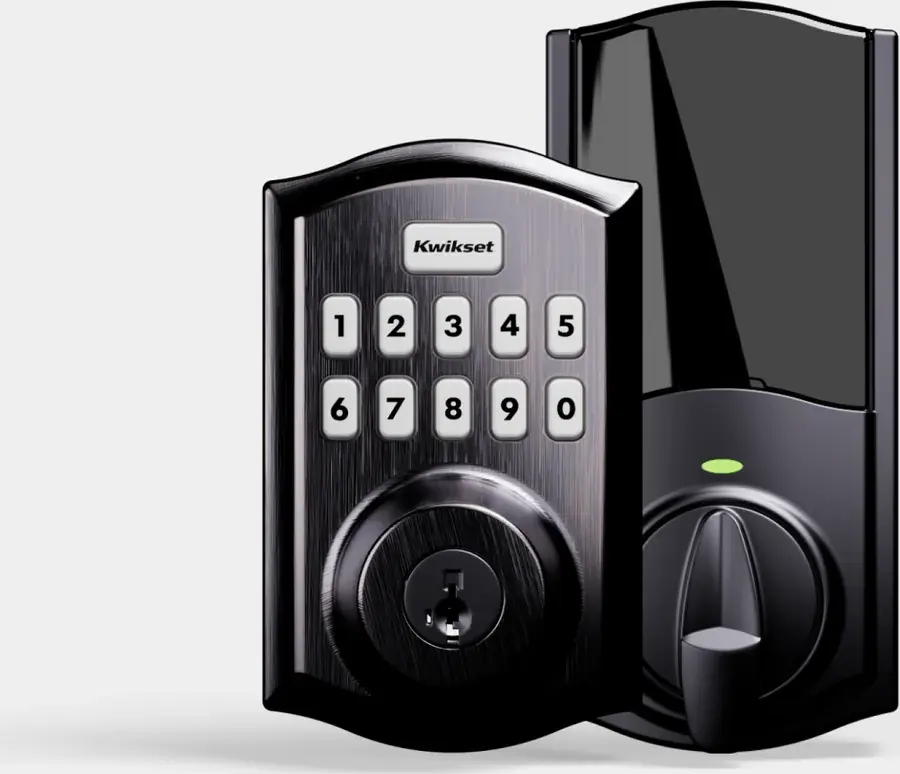 Smart LocksVivint smart locks for keyless entry you control from your phone.
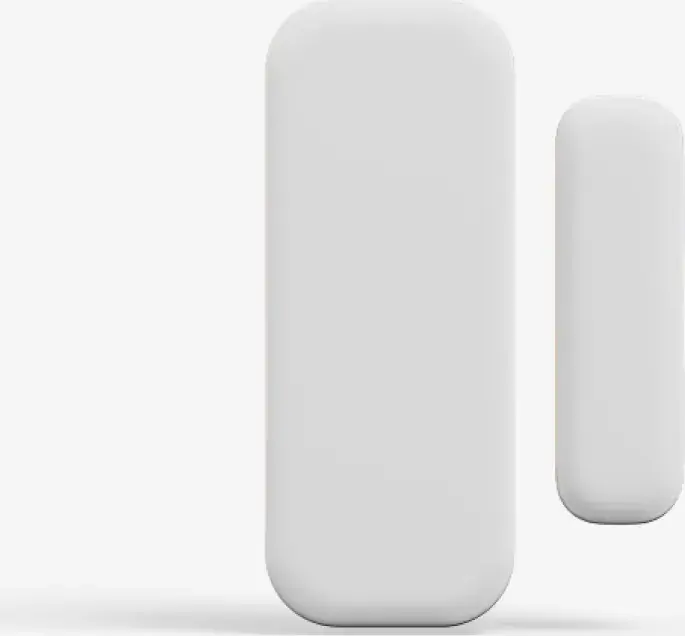 Door & Window SensorsVivint door and window sensors that alert you the moment an entry opens.
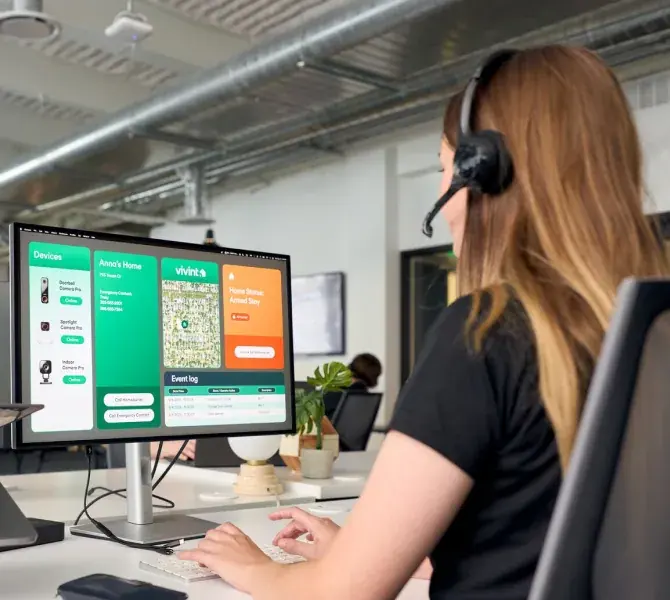 24/7 MonitoringVivint 24/7 professional home security monitoring.
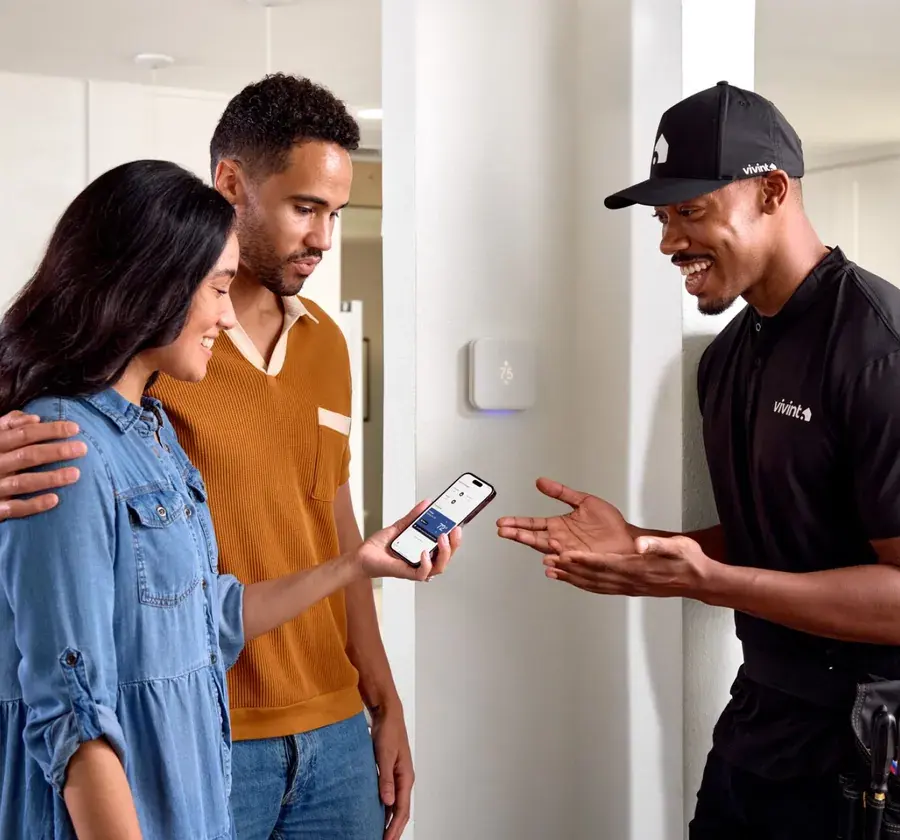 Professional InstallationVivint professional installation by a trained Smart Home Pro.
- Vivint Cost and PricingWhat Vivint costs: monitoring plans, equipment and offers.
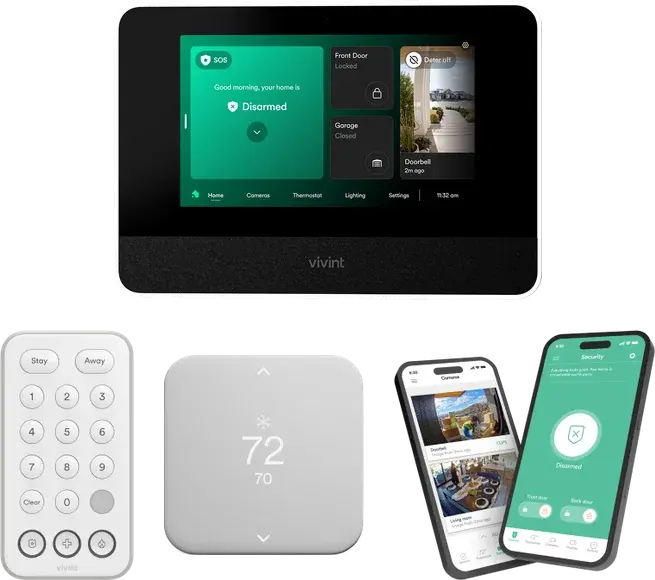 Smart Home ControlsVivint smart home controls: hub, app, keypad, locks, thermostat and garage.