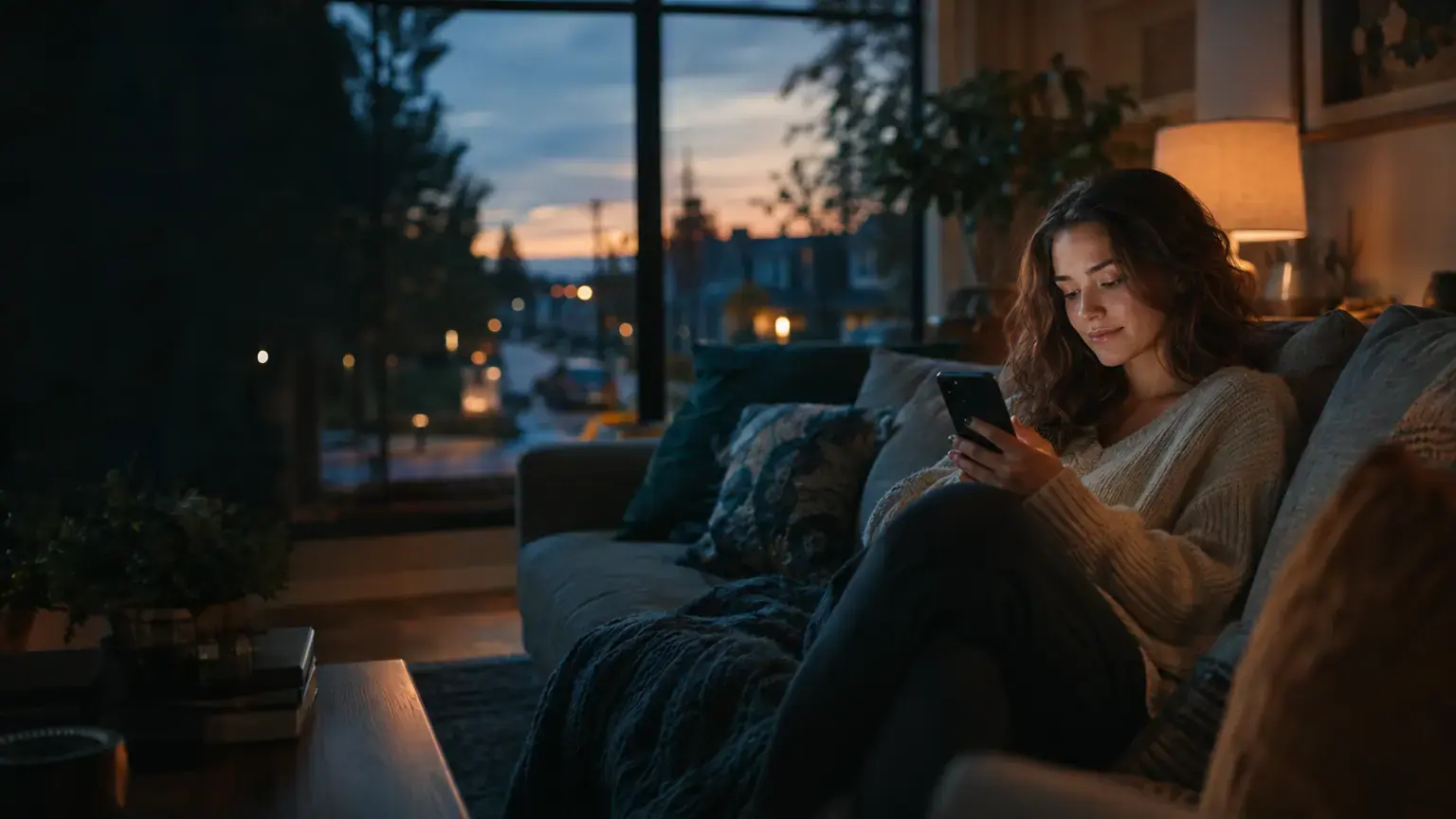
Vivint Playback DVR
Vivint Playback DVR: 24/7 video recording for your Vivint cameras
Your cameras catch events. Playback DVR keeps every minute in between. Scroll back through up to 10 days of continuous video from your phone and share the clip you need.
- 24x7 Monitoring
- Home Automation
- One App mobile control
- Live Video
- FREE*Installation & One Month of Monitoring ServicePromo code: INSTALLOFFER
- $50FREE* Visa Gift CardPromo code: VISA50
- $100OFF* a Vivint Doorbell Camera ProPromo code: DOORBELL100
* With qualifying system purchase. Offer details
Independently owned authorized Vivint dealer, operated by Plondo. Not Vivint Smart Home, Inc.'s corporate site.
Quick answer
What is the Vivint Playback DVR?
Vivint Playback DVR is a video recording subscription that lets compatible Vivint cameras record around the clock instead of only when they detect something. It keeps up to 10 days of continuous video from up to 12 cameras. The footage is stored on the cameras themselves, not on a separate box, and you watch it in the Vivint app. Playback DVR works with the Doorbell Camera Pro 2, Indoor Camera Pro and Outdoor Camera Pro 3.
Last reviewed by the Vivint Security editorial team.
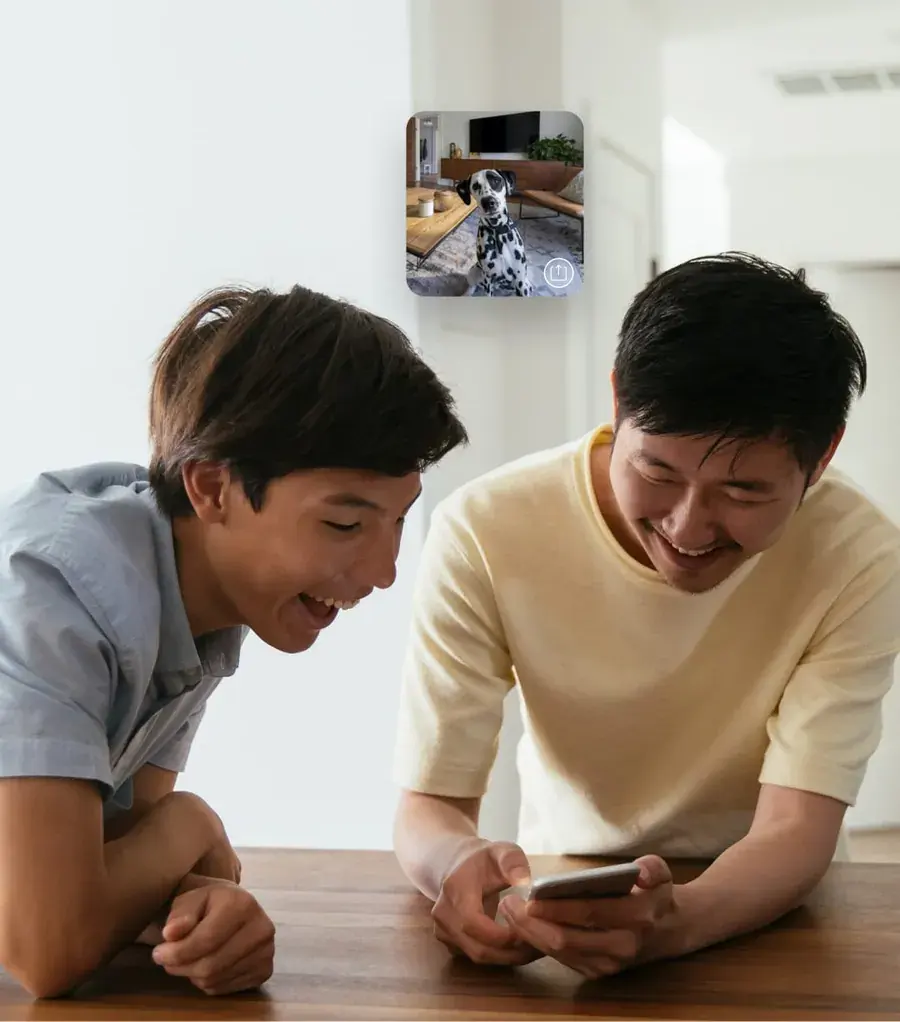
What Vivint Playback DVR adds to your Vivint security cameras
Continuous recording
Compatible indoor, outdoor and doorbell cameras record day and night instead of only when something triggers them.
Up to 10 days of video
Go back more than a week to see what happened while you were at work, asleep or away.
Up to 12 cameras
One Vivint system can record continuous footage from as many as 12 supported devices.
Event markers
Motion-triggered markers on the timeline help you jump straight to the activity that matters.
Easy clip sharing
Save and send a clip to family, friends or the authorities without digging through hours of footage.
Sound Detection
With an Indoor Camera Pro, the camera can listen for smoke and carbon monoxide alarm sounds and alert you.
24/7 recording
Continuous video recording for Vivint home security cameras
Most security cameras record a short clip when they sense motion or a person. That works for many events, but you can miss what happened just before or after. With Vivint Playback DVR turned on, a compatible camera keeps recording all day and all night.
The result is a full timeline for each camera instead of a handful of clips. You can check when a package arrived, how long a stranger stood near the garage, or what the dog did while you were out. Vivint says its cameras also offer night vision and audio, so the picture stays useful after dark.
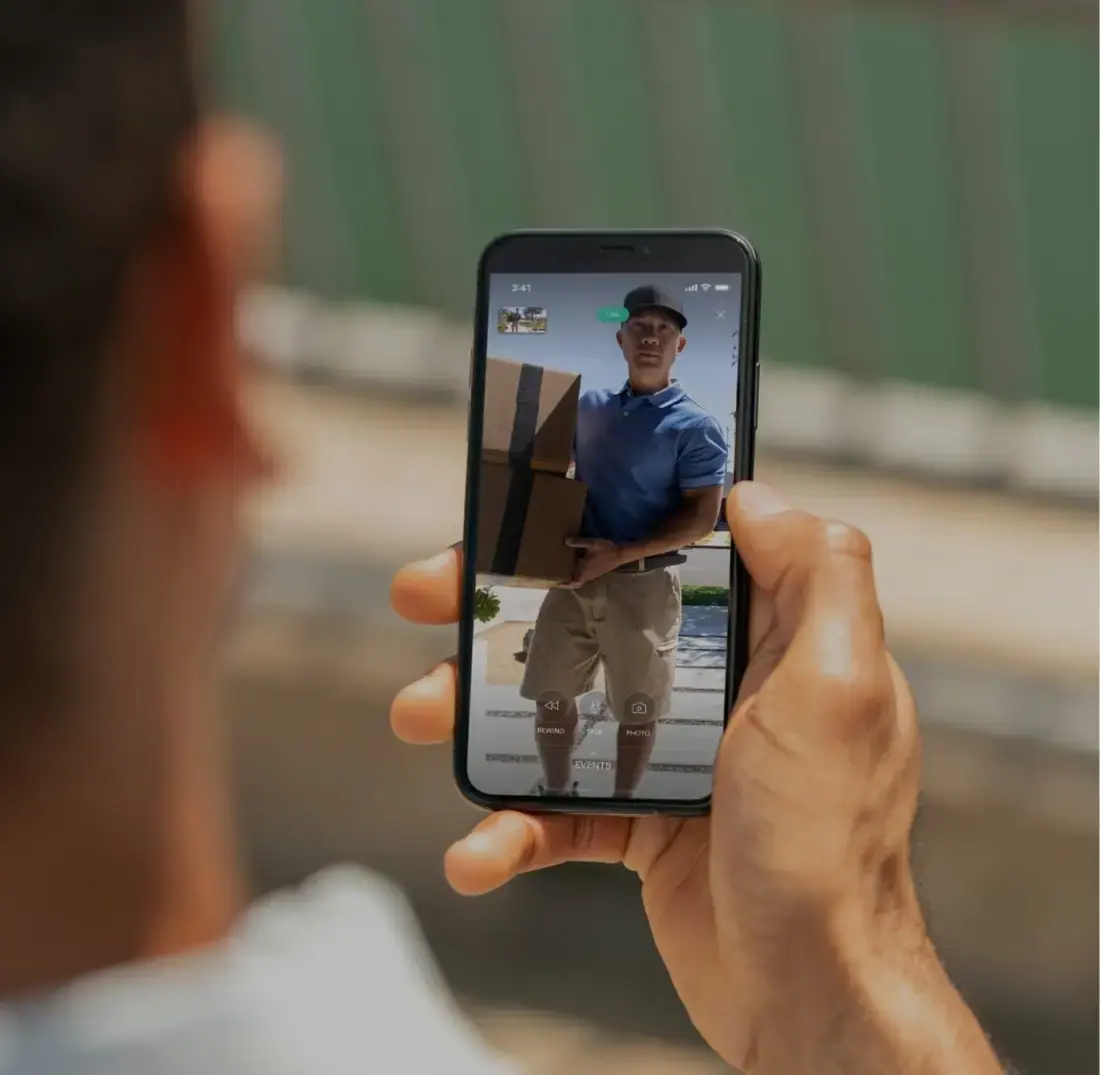
On-camera storage
Why the Vivint DVR needs no box: footage stays on the cameras
The word DVR makes many people picture a box with a hard drive. Vivint Playback DVR does not work that way. Recordings from up to 12 devices are stored directly on the cameras, which hold 64GB of built-in SD card storage.
Vivint says this gives a smoother, faster viewing experience in the app with little buffering. There is nothing extra to plug in, hide or maintain, and your Vivint Smart Home Pro handles setup when the system is installed.
Questions about Vivint Playback DVR? A Vivint expert can help.
Call 866.417.1540Event markers and clips
Find and share Vivint camera footage in seconds
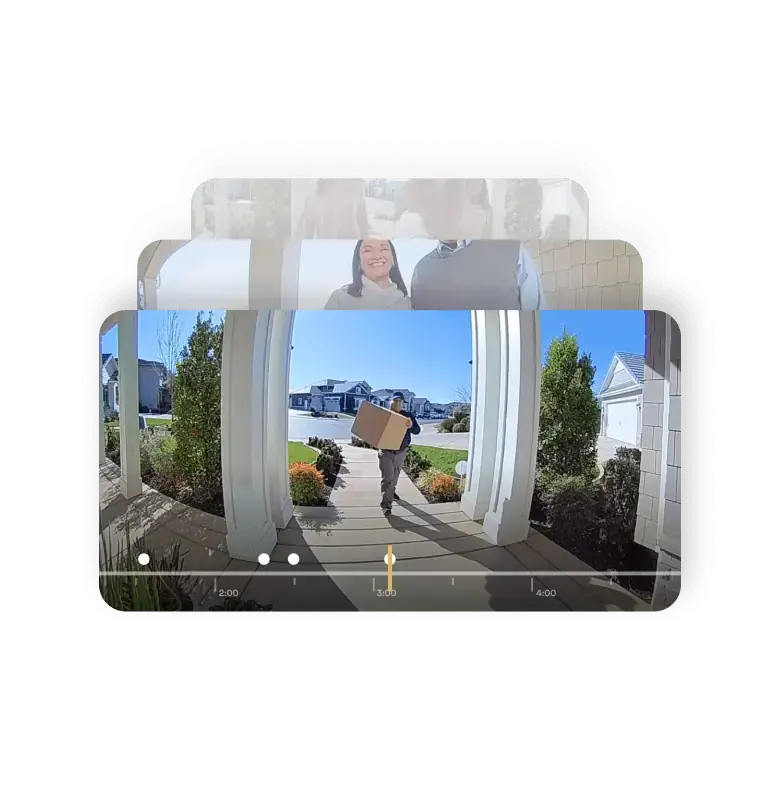
Scrolling through hours of video is slow. Playback DVR adds event markers to the timeline, so motion-triggered moments stand out and you can jump right to them. That helps when you are looking for a package thief or a funny moment with the kids.
When you need to hand footage to someone, Smart Clips make it easy to save and share a segment. Vivint highlights this for sending clips to friends, family or the authorities after an incident.
Extra perks
Sound Detection and Premium Chimes with Vivint Playback
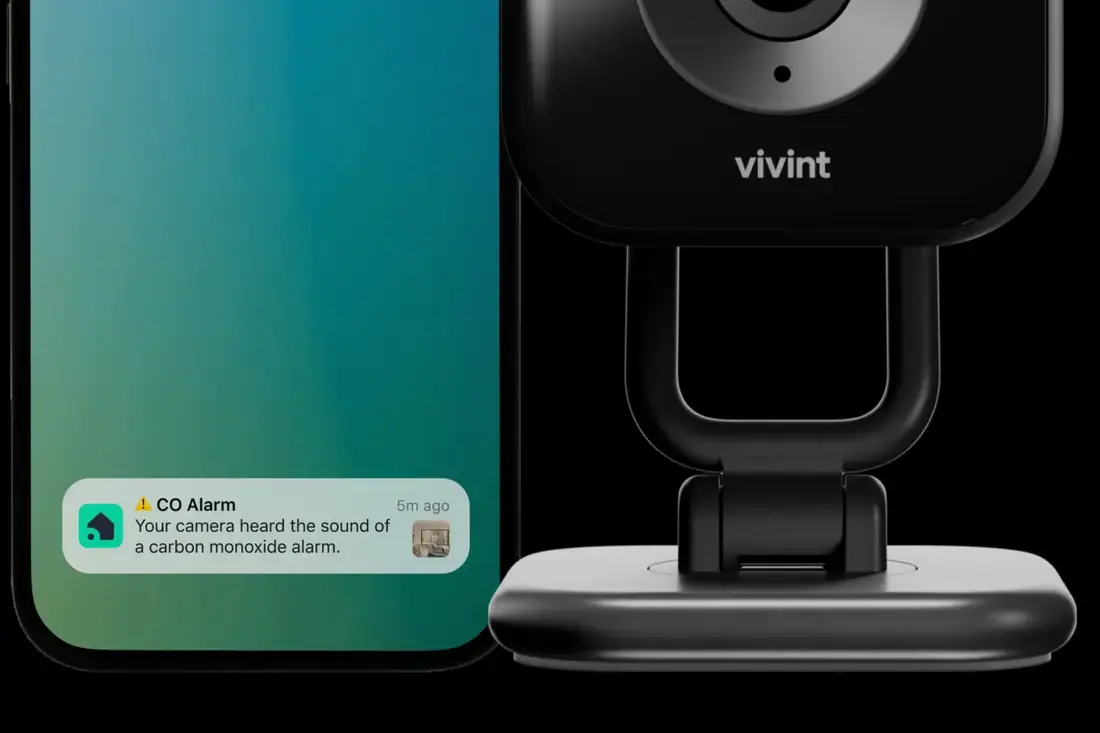
Sound Detection is a feature Vivint offers with a Playback DVR subscription. Using the Indoor Camera Pro, it listens for the sound of smoke and carbon monoxide alarms and sends you an alert. You switch it on from the Vivint Labs area inside the app.
Sound Detection supports your detectors; it does not replace them. Keep working smoke and carbon monoxide alarms in your home and test them regularly. Playback subscribers also get Premium Chimes, a set of seasonal chime sounds for holidays and special occasions.
Questions about Vivint Playback DVR? A Vivint expert can help.
Call 866.417.1540Before you add it
Which Vivint cameras work with Playback DVR
Playback DVR supports three Vivint cameras: the Doorbell Camera Pro 2, the Indoor Camera Pro and the Outdoor Camera Pro 3. Your system also needs a recent version of the Vivint app and current panel firmware, plus enough internet speed for live and recorded video.
An authorized Vivint dealer can check your equipment and tell you whether any updates are needed before you add recording. If you have older cameras, ask which ones can be paired with Playback DVR.
Vivint Playback DVR specs
| Recording | Continuous 24/7, up to 10 days |
|---|---|
| Cameras supported | Up to 12 devices |
| Compatible cameras | Doorbell Camera Pro 2, Indoor Camera Pro, Outdoor Camera Pro 3 |
| Storage | 64GB built-in SD cards on the cameras |
| Viewing | Vivint app on iOS and Android (app version 2.1 or newer) |
| Panel firmware | 3.23.0 or newer |
| Internet speed | At least 1 Mbps up and down for a camera and panel; at least 2 Mbps with Vivint Playback |
| Connectivity | Internet service provider and Wi-Fi |
How to add Vivint Playback DVR
- 01
Call for a free quote
Tell a Vivint expert which cameras you have or want and how much video history you need.
- 02
Design your system
Choose compatible indoor, outdoor and doorbell cameras and add Playback DVR to your plan.
- 03
Professional installation
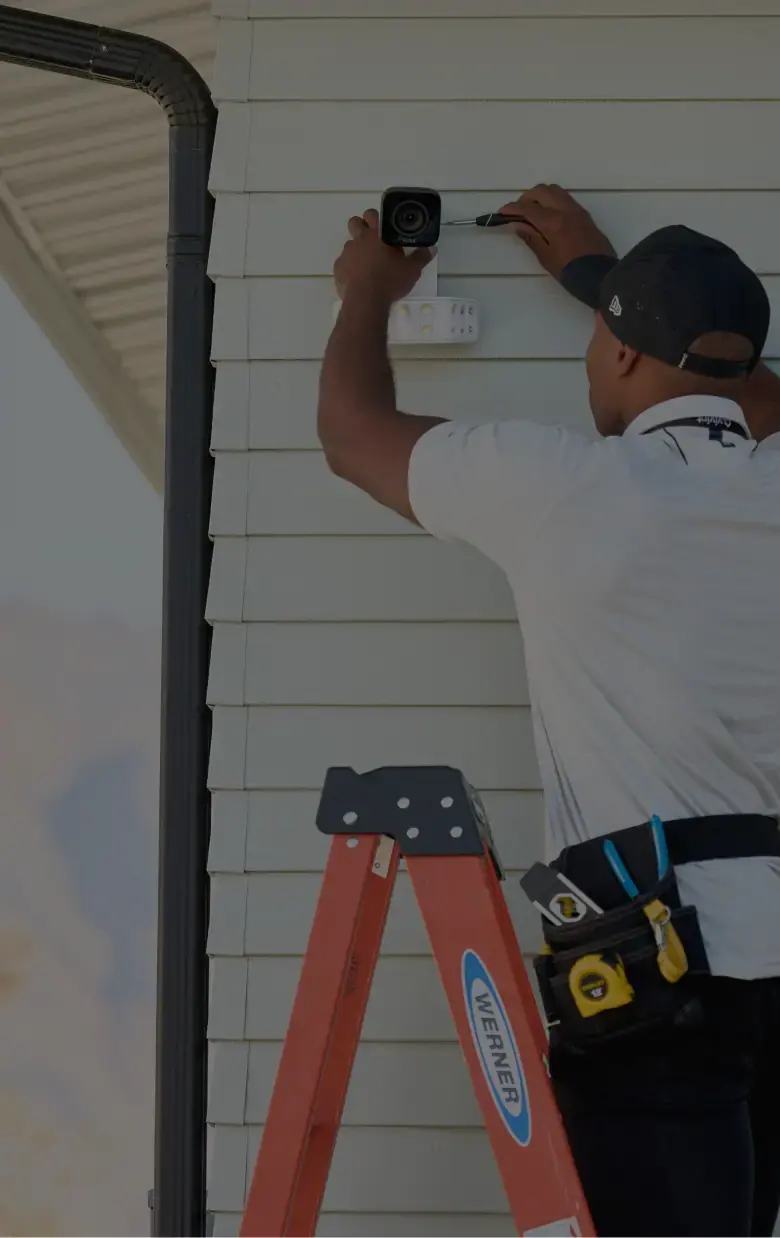
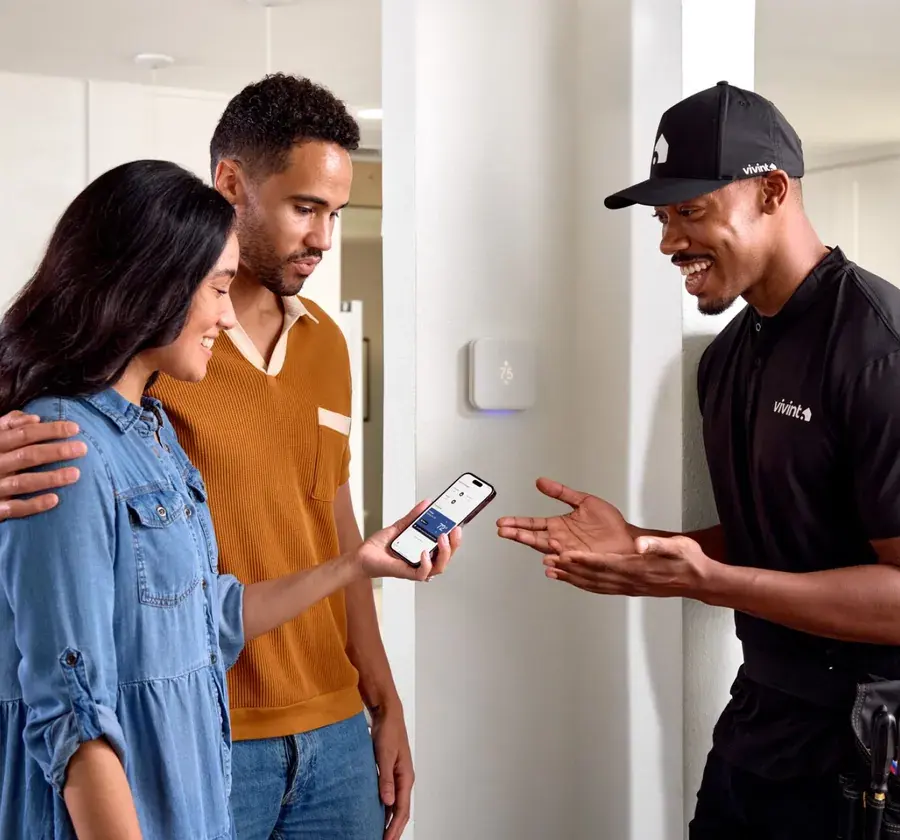
A Vivint Smart Home Pro installs the cameras, connects them and shows you the app timeline.
Add Vivint Playback DVR to your cameras.

Vivint Playback DVR FAQ
What is Vivint Playback DVR?
It is a subscription feature that makes compatible Vivint cameras record continuously. You get up to 10 days of video from up to 12 cameras, event markers to find activity fast, and simple clip sharing, all in the Vivint app.
Do I need a DVR box for my Vivint cameras?
No. Vivint says Playback DVR stores footage directly on the cameras, using their built-in SD card storage. There is no separate recorder to buy or place in your home. You view and share the video through the Vivint app.
How long does Vivint Playback DVR keep video?
It keeps up to 10 days of continuous recording. Vivint cameras also save shorter event clips on their own, and the length and storage time depend on the camera. Ask a Vivint expert about the details for your equipment.
Which Vivint cameras work with Playback DVR?
The Indoor Camera Pro, the Outdoor Camera Pro 3 and the Doorbell Camera Pro 2. One system can record up to 12 devices. If you have older Vivint cameras, call to find out whether they can be added.
How much does the Vivint DVR cost?
Playback DVR is a paid add-on, and the price depends on your equipment and plan. Call an authorized Vivint dealer for a personalized quote, or see Vivint cost and pricing for how system pricing works.
Why is Vivint Playback not working on my phone?
First check that the Vivint app is up to date, since Playback needs version 2.1 or newer, and that your internet connection is steady. Playback also needs at least 2 Mbps. If footage still will not load, existing customers should contact Vivint support at vivint.com.
Why is my Vivint DVR not recording?
Recording depends on an active Playback DVR subscription, a supported camera, current panel firmware and a working connection. Check the camera’s status in the Vivint app. If it shows offline or still will not record, contact Vivint support at vivint.com.
Can Playback DVR alert me to a smoke or CO alarm?
Sound Detection, offered with a Playback DVR subscription, lets an Indoor Camera Pro listen for smoke and carbon monoxide alarm sounds and alert you. It does not replace smoke or CO detectors, and it does not replace emergency services.
Related Vivint products and services
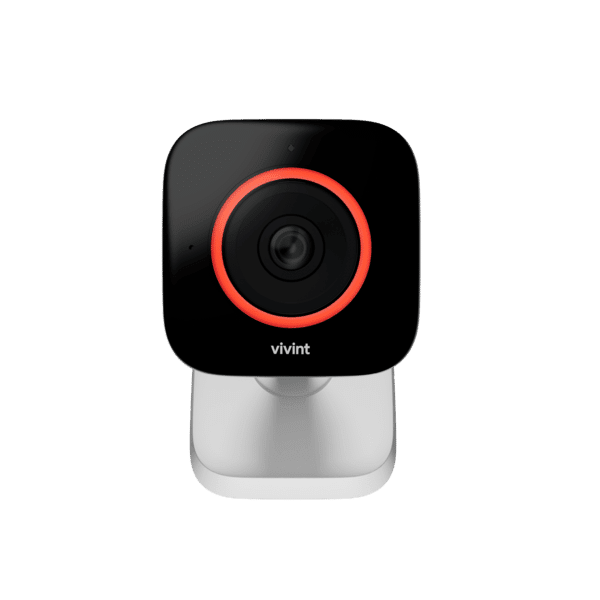 Security CamerasVivint indoor, outdoor and doorbell security cameras with smart deterrence.
- Outdoor Camera ProVivint Outdoor Camera Pro with Smart Deter and night vision.
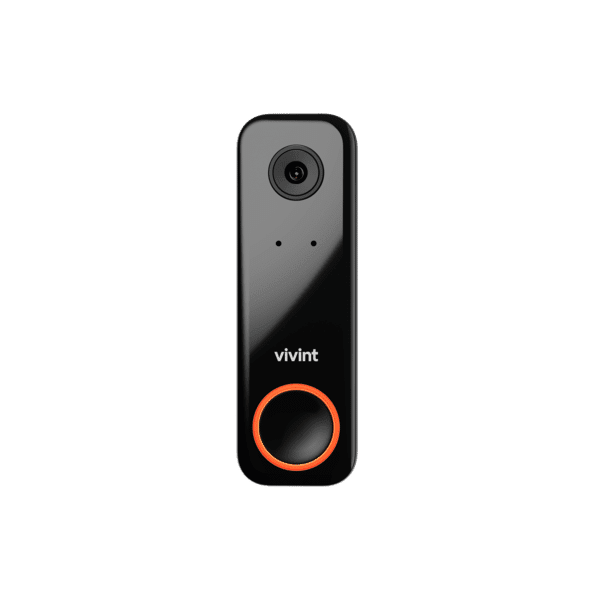 Doorbell Camera ProVivint Doorbell Camera Pro with package protection and two-way talk.
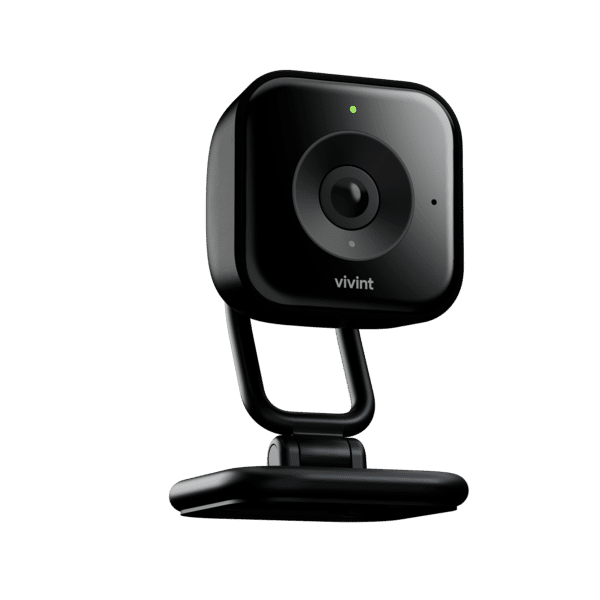 Indoor Camera ProVivint Indoor Camera Pro for watching kids, pets and rooms in HD.
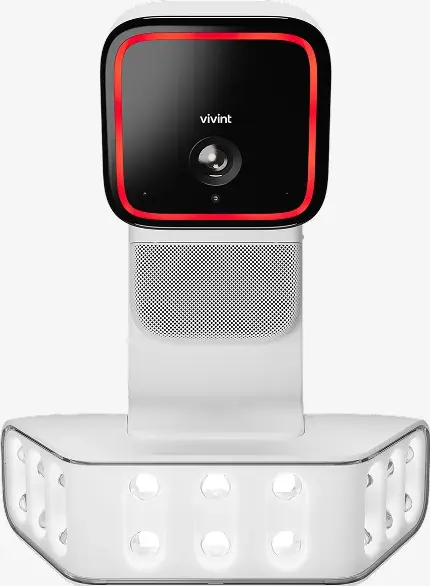 Spotlight ProVivint Spotlight Pro adds a motion-activated floodlight to an outdoor camera.
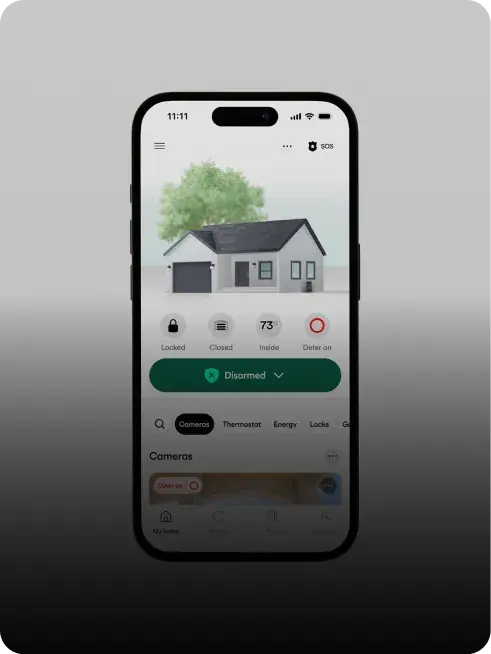 Vivint AppThe Vivint app: control your security system and smart home from anywhere.
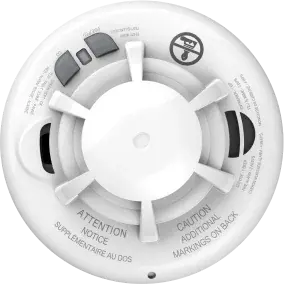 Smoke & CO DetectorVivint smoke and carbon monoxide detector with professional monitoring.
 Professional InstallationVivint professional installation by a trained Smart Home Pro.